 / Case studies /
 / Case studies /
 AI
Front end
AI
Front end
My career has been spent shaping digital products but writing production code myself wasn't something I'd done seriously in years. When I decided to rebuild my portfolio, I saw an opportunity: use it as a genuine experiment in working with AI as a collaborator, not a shortcut, and in building my own practice for using AI safely and effectively in product work.
What started as a portfolio rebuild turned into a fun, playable educational maths game for my kids to play.
It had been years since I'd had (or needed) a portfolio. When I started the process of updating it, I ran a survey and interviewed some recruiters I'd worked with to understand what people were looking for. Once I had a clear sense of what was needed, I identified a few case studies and set to work designing it in Figma. I built out a small design library and then began using Figma Sites to build, publish and test.
Figma sites was great in the beginning, there was no learning curve and I could quickly publish and iterate the site but as it grew I started hitting issues.
Managing content across multiple pages was getting harder to track, and the constraints with interactions and logic were starting to impact the experience.
I explored some off the shelf portfolio tools, but I didn't want to just plug and play, I wanted to build something myself. I had been reading a lot of posts about Claude code but, like with the portfolio tools, I didn't just want to hand over my designs and have it build them. Then I landed on the idea of working with Claude to develop my own HTML and CSS skills and create a site that I could iterate and develop myself.
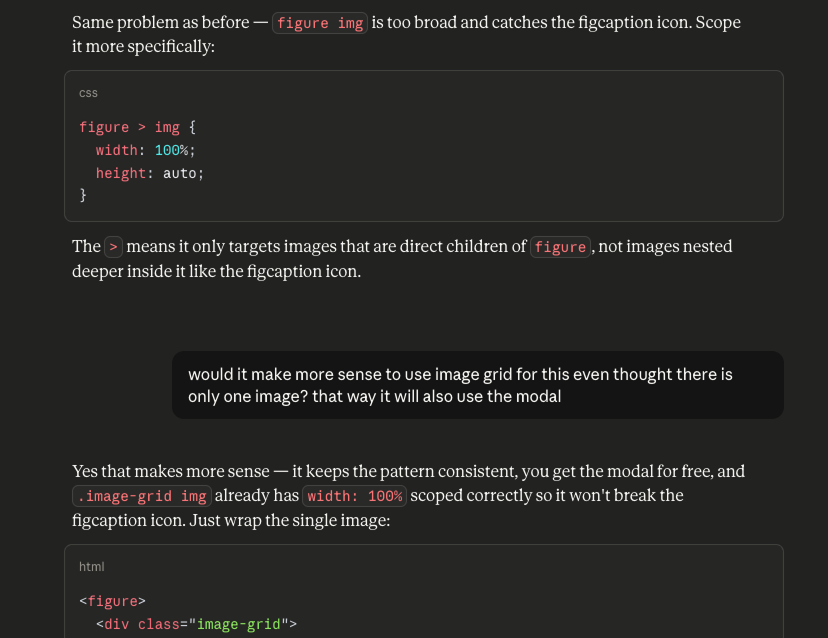
I worked through the build page by page, section by section, using my Figma designs as a reference. From the start I made a deliberate choice: I wouldn't just ask Claude to write code for me. I'd ask questions, challenge and push back on suggestions that didn't fit how I'd decided to approach things, and make my own decisions about structure and design. In practice, this meant treating Claude like a pair‑programmer: I owned the direction, constraints, and review; Claude accelerated exploration and drafting of solutions.
When it came to publishing my first iteration I leaned on Claude to help me find the right place to host (we went with Netlify) and to get github set up so I could easily publish new iterations with a few terminal prompts
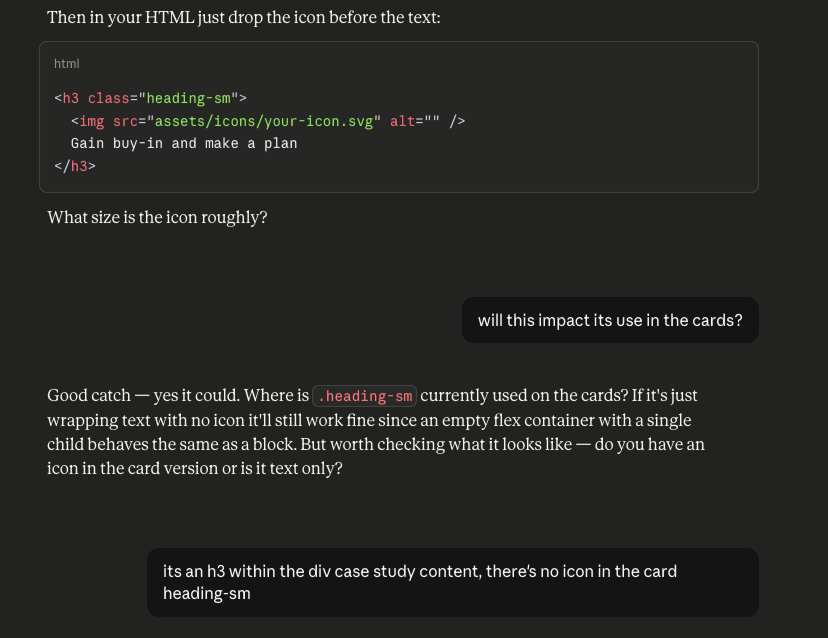
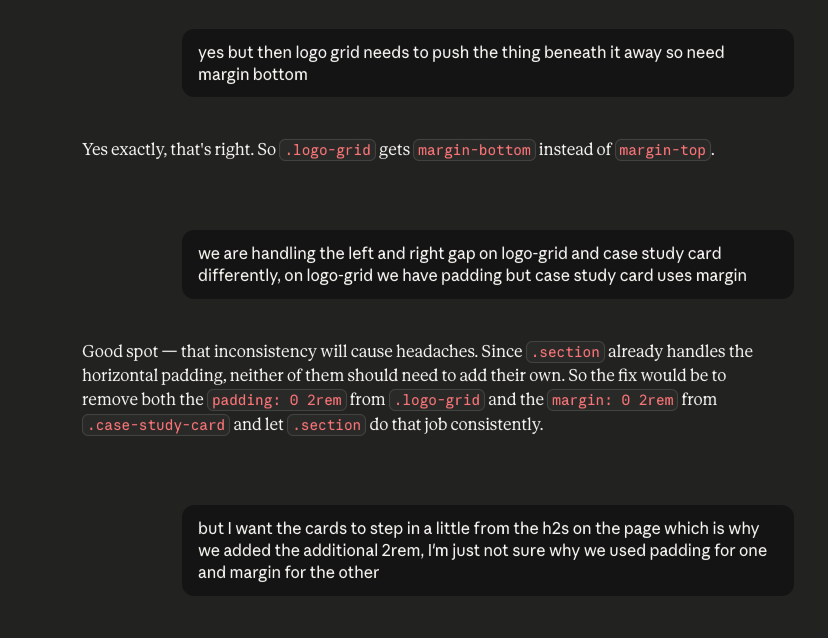
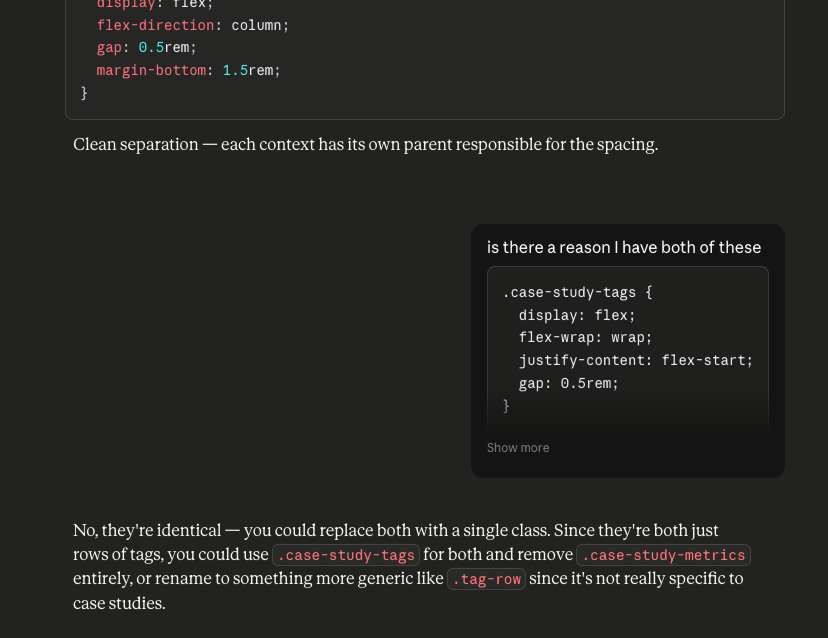
We debated how to organise a growing stylesheet — whether to use utility classes or let spacing live on semantic elements, and what to do when a single class was being used in two different contexts with different spacing needs. We worked through typographic decisions, ultimately pairing Plus Jakarta Sans for UI elements with Source Serif 4 for long-form reading content, switching fonts mid-page to signal to the reader that they're moving from browsing into reading.
When things didn't work I didn't just accept the first suggestion or fix. I'd share what I was seeing, explain what I expected, and work through it properly. I found myself getting to a stage where I'd challenge a suggested fix due to concerns it would break something elsewhere, having this level of understanding around the structure of my own site was a great feeling.
The back-and-forth — including the times Claude got it wrong and I called it out — is where most of the real learning happened.
 Select an image to enlarge
While building the portfolio I was co-working with Claude, reading the code, making decisions, writing some of it myself. It was a collaborative, educational process. But I was curious about something different: what could Claude generate directly from prompts? How far could you get by simply describing what you wanted and iterating on the output?
At the same time, my kids were in the middle of an online maths competition (and spending a lot of time on it...). I decided to see if I could build something fun for them, a small maths game that they might enjoy to play.
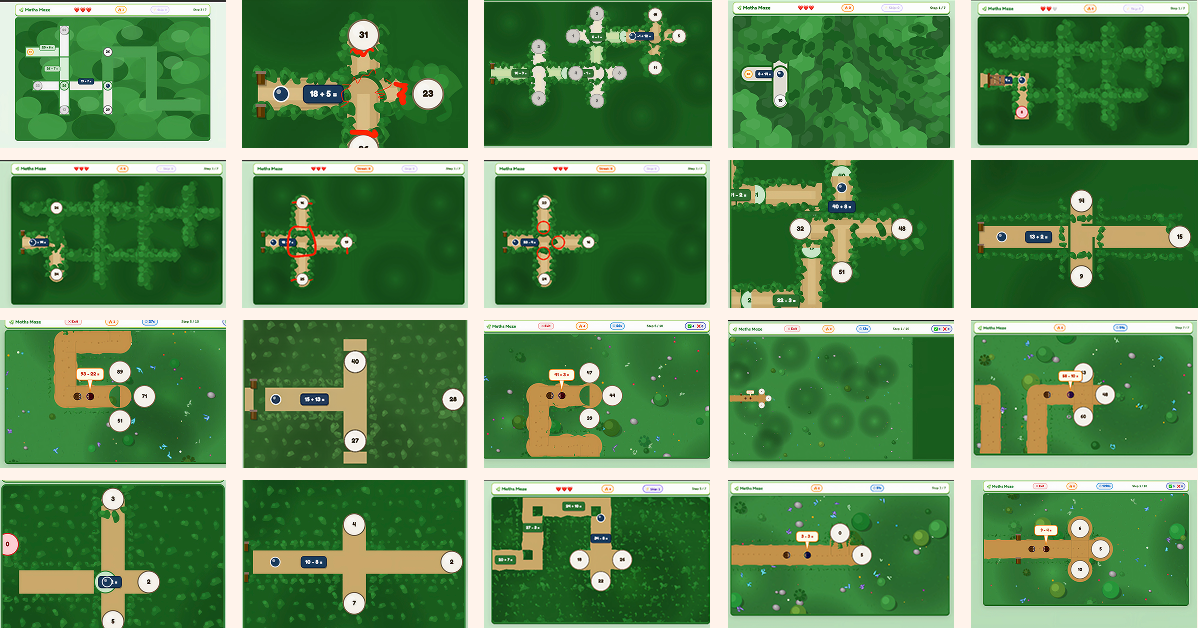
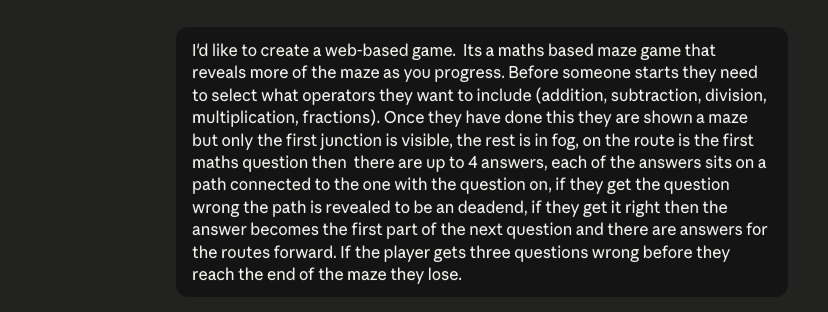
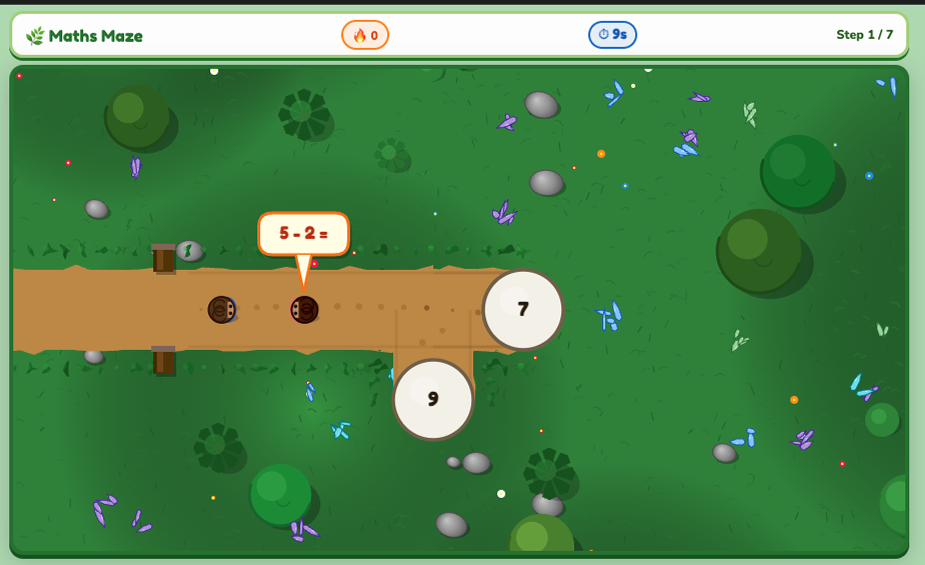
I gave myself 2 days and started with a simple prompt: a top-down maze game where players answer maths questions to unlock the path forward. From that starting point, Claude generated the initial canvas-based game — a scrolling world with a player avatar, path rendering, and a basic question mechanic.
 Select an image to enlarge
This wasn't a great start! The prompt didn't describe in enough detail the mechanics of the game or how it should look. At the time I was just experimenting and didn't realise how addictive this was going to get. Unsurprisingly the game didn't work at first.
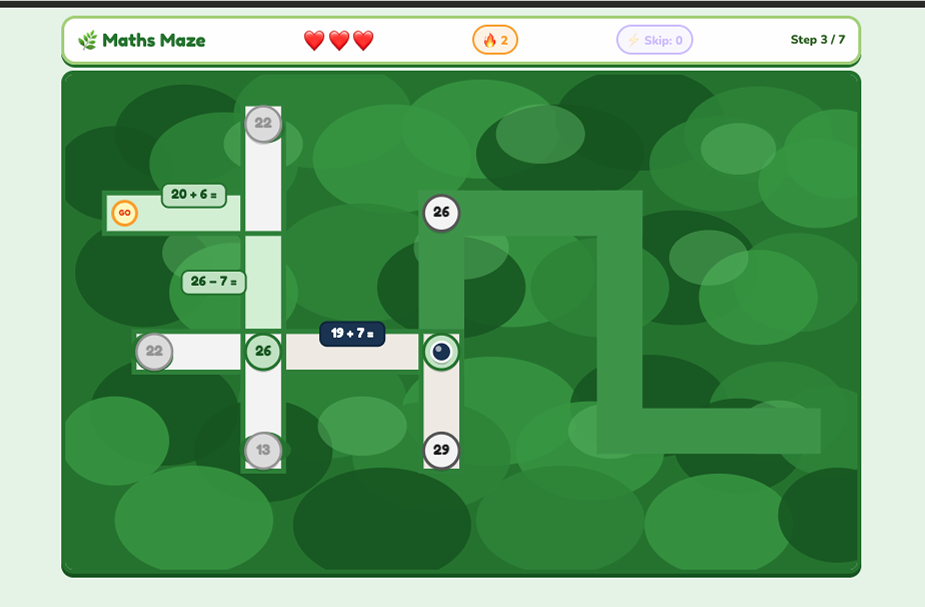
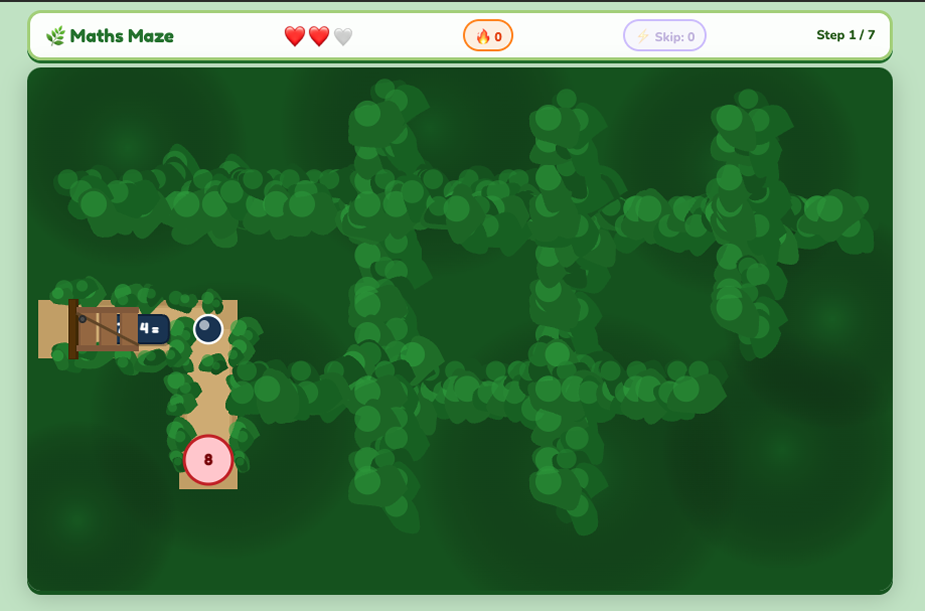
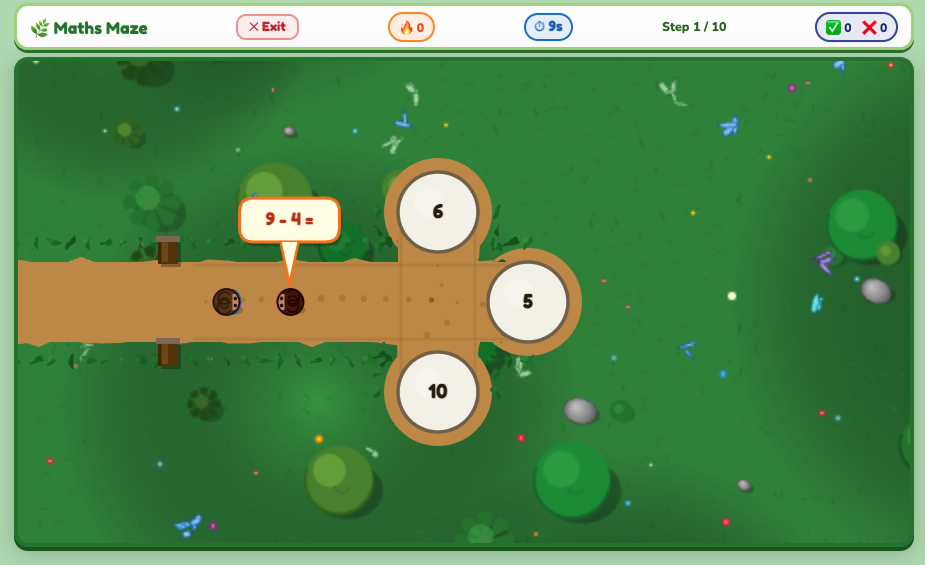
What followed was dozens of rounds of iteration (45 rounds of feedback and 70 iterations to be exact). The maze needed to generate differently every game, with branching paths that didn't double back or cross themselves — which turned out to be a genuinely tricky constraint to get right. The correct answer needed to genuinely reflect the direction the path would take rather than always going straight ahead, and the NPC character's speech bubble kept ending up on top of the answer options.
Each of those problems involved reading the generated code, understanding what it was actually doing, describing the issue clearly, and working through multiple approaches before finding one that held. Some bugs took many attempts to fix. Some fixes introduced new problems. The process felt a lot like the design iteration I do every day — just with JavaScript instead of Figma.
Beyond the core mechanic we added a difficulty system across four levels, a persistent leaderboard, streak bonuses and time penalties, a perfect game bonus, and full responsiveness across phone, tablet and desktop. Performance optimisation for older devices involved caching rendering layers, capping the frame rate when idle, and reducing detail on lower-powered hardware. This became an exercise in designing an AI‑assisted development loop: defining behaviours, inspecting output, tightening constraints, and gradually steering the model toward a robust implementation.
Maths Maze isn't done (but then what ever is), I need to fix bugs and work on the performance but it's been a great experience with lots of learnings.
 Select an image to enlarge
 Back to case studies